# How to Import SVGs into your Next.js Project?
Next.js is my go-to framework for building any type of frontend applications. It has many things pre-configured right out of the box. For example, you have built-in support for css, css modules, sass etc. It also comes with built-in support for environment variables and many other things. But one thing you cannot do directly in Next.js is to import SVG files in your components. In this article, I will explain the steps with which you can setup your nextjs project so that it can support importing svg files into your components.
I have created a basic Hello World NextJs app. See the file structure below.
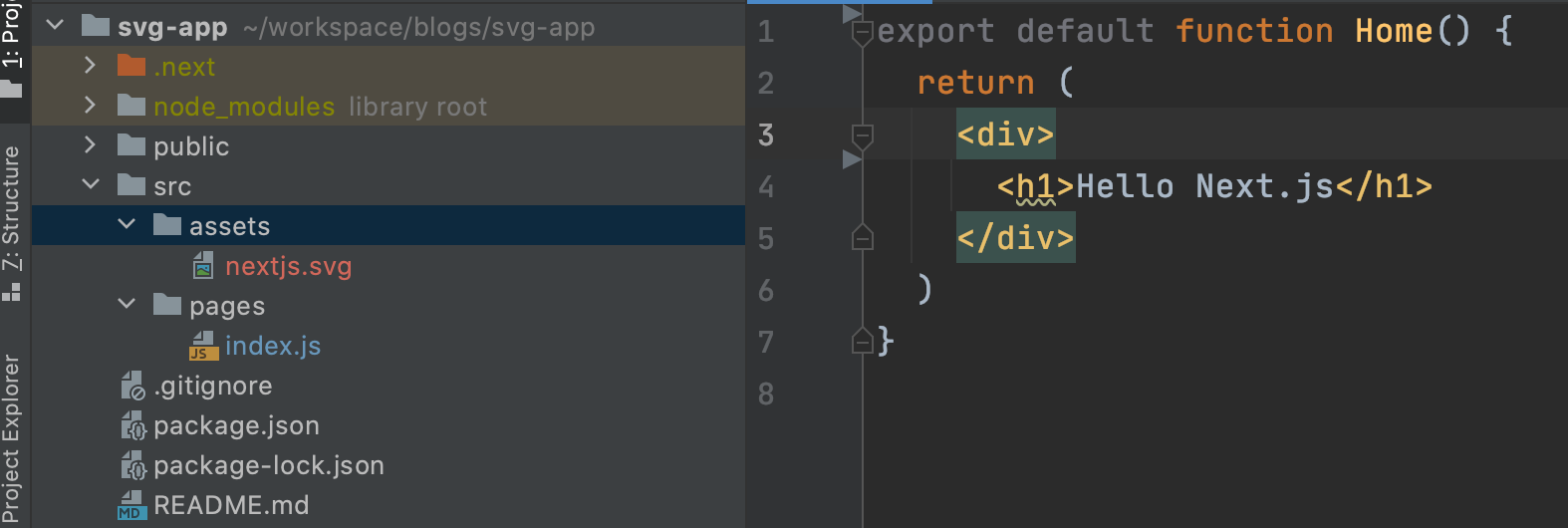
We are going to use a babel plugin called [babel-plugin-inline-react-svg](https://github.com/airbnb/babel-plugin-inline-react-svg).
```sh
npm install --save-dev babel-plugin-inline-react-svg
```
Now, lets add that plugin to our `.babelrc` file.
Create a file named `.babelrc` at the root of your project if it is not already present and add the following contents to it.
```
{
"presets": ["next/babel"],
"plugins": ["inline-react-svg"]
}
```
That is all we need to enable svgs in out Next.js project.
Let's test and see if it works. Let's import Next.js logo into our index page
```js
// src/pages/index.js
import NextLogo from '../assets/nextjs.svg'
export default function Home() {
return (
Hello Next.js
)
}
```
Now, run the development server with `next dev`.
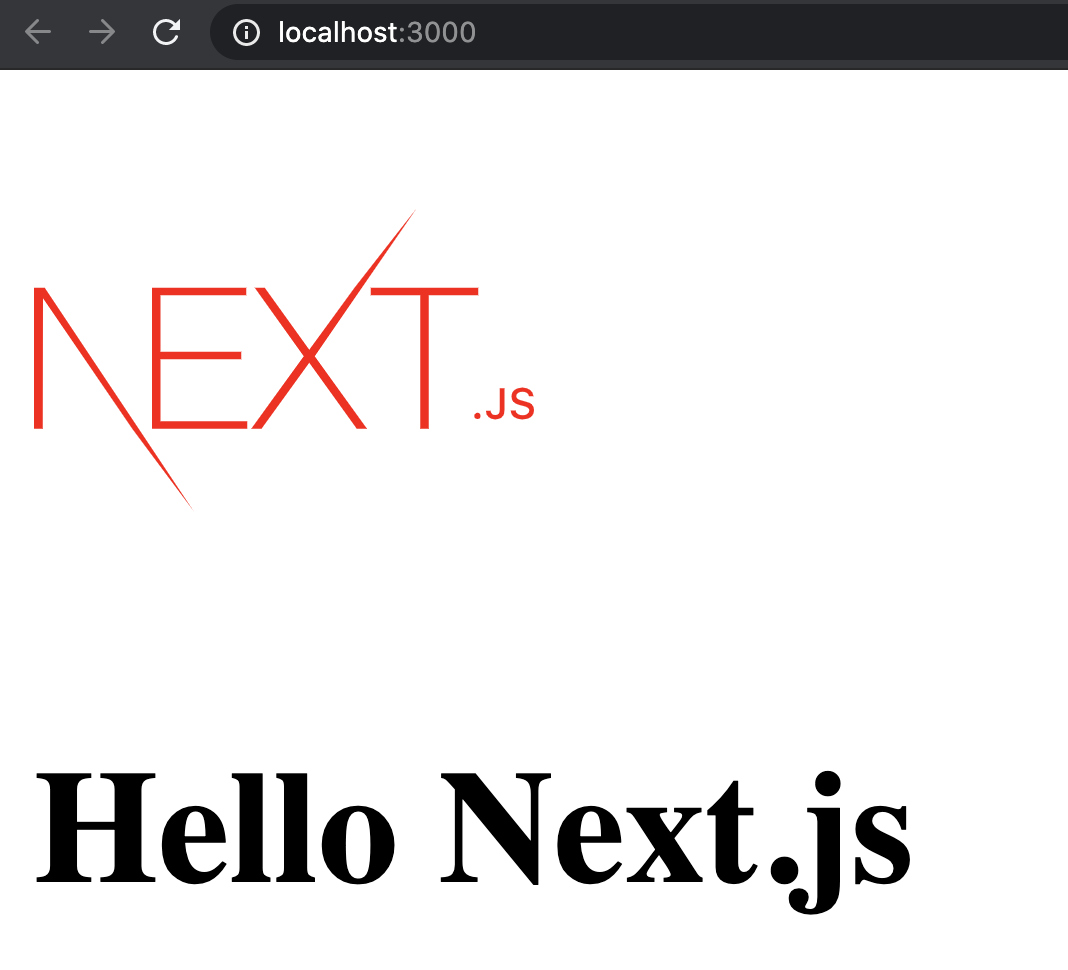
You can see here that NextJs logo is imported and rendered successfully.
There are many other ways to import svgs into your Next.js project. But I feel like this is the easiest way to do so.
### **Note:**
> If all you want is to import svg files in to your component as an image, and you don't want to add any svg specific properties like `fill` to it, then you can simply move the file to `/public` folder of your Next.Js project and then use an `img` tag to render svg.
```html
 ```
All the code that is written in this article is available on my github at [pbteja1998/nextjs-with-svg](https://github.com/pbteja1998/nextjs-with-svg)
> If you have any feedback or suggestions to improve the blog post, please leave them in the comments. I will try to improve the post accordingly.
> If this blog post was helpful to you, please consider liking it and sharing it so that it reaches more people.
> If you want to get notified as soon as I write a new blog post, you can click on **Subscribe** button at the top of this page. You can also follow me here at @[Bhanu Teja P](@pbteja1998) or on twitter at [@pbteja1998](https://twitter.com/pbteja1998) to get updated.
**Links and References**
- [babel-plugin-inline-react-svg](https://github.com/airbnb/babel-plugin-inline-react-svg)
- [Source Code](https://github.com/pbteja1998/nextjs-with-svg)
%%[newsletter]
```
All the code that is written in this article is available on my github at [pbteja1998/nextjs-with-svg](https://github.com/pbteja1998/nextjs-with-svg)
> If you have any feedback or suggestions to improve the blog post, please leave them in the comments. I will try to improve the post accordingly.
> If this blog post was helpful to you, please consider liking it and sharing it so that it reaches more people.
> If you want to get notified as soon as I write a new blog post, you can click on **Subscribe** button at the top of this page. You can also follow me here at @[Bhanu Teja P](@pbteja1998) or on twitter at [@pbteja1998](https://twitter.com/pbteja1998) to get updated.
**Links and References**
- [babel-plugin-inline-react-svg](https://github.com/airbnb/babel-plugin-inline-react-svg)
- [Source Code](https://github.com/pbteja1998/nextjs-with-svg)
%%[newsletter]