Add Typescript to your Next.js project

Full-Stack Developer, Entrepreneur and Co-Founder of Coderplex.
Building https://coderplex.in
Checkout my portfolio at https://bhanuteja.dev
It's very easy to add typescript to a Next.js project. In this post, I will list out steps on how to do so.
First, let's create a new Nextjs project my-ts-app
# Create a directory with name `my-ts-app`
mkdir my-ts-app

# Change directory to `my-ts-app`
cd my-ts-app

# Initialize the directory as an npm project
npm init -y

# Install `next`, `react` and `react-dom` as dependencies
npm install next react react-dom

# Create a directory with name `pages`
mkdir pages

# Create a file with name `index.tsx` inside `pages` directory
touch pages/index.tsx
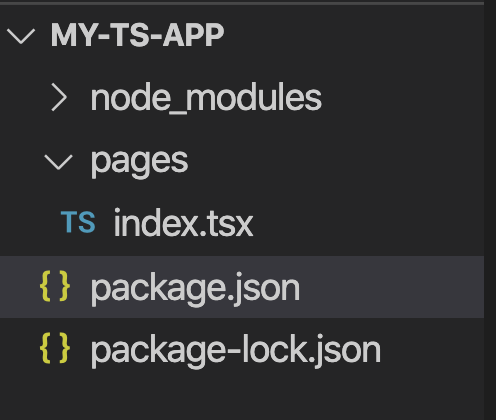
File Structure
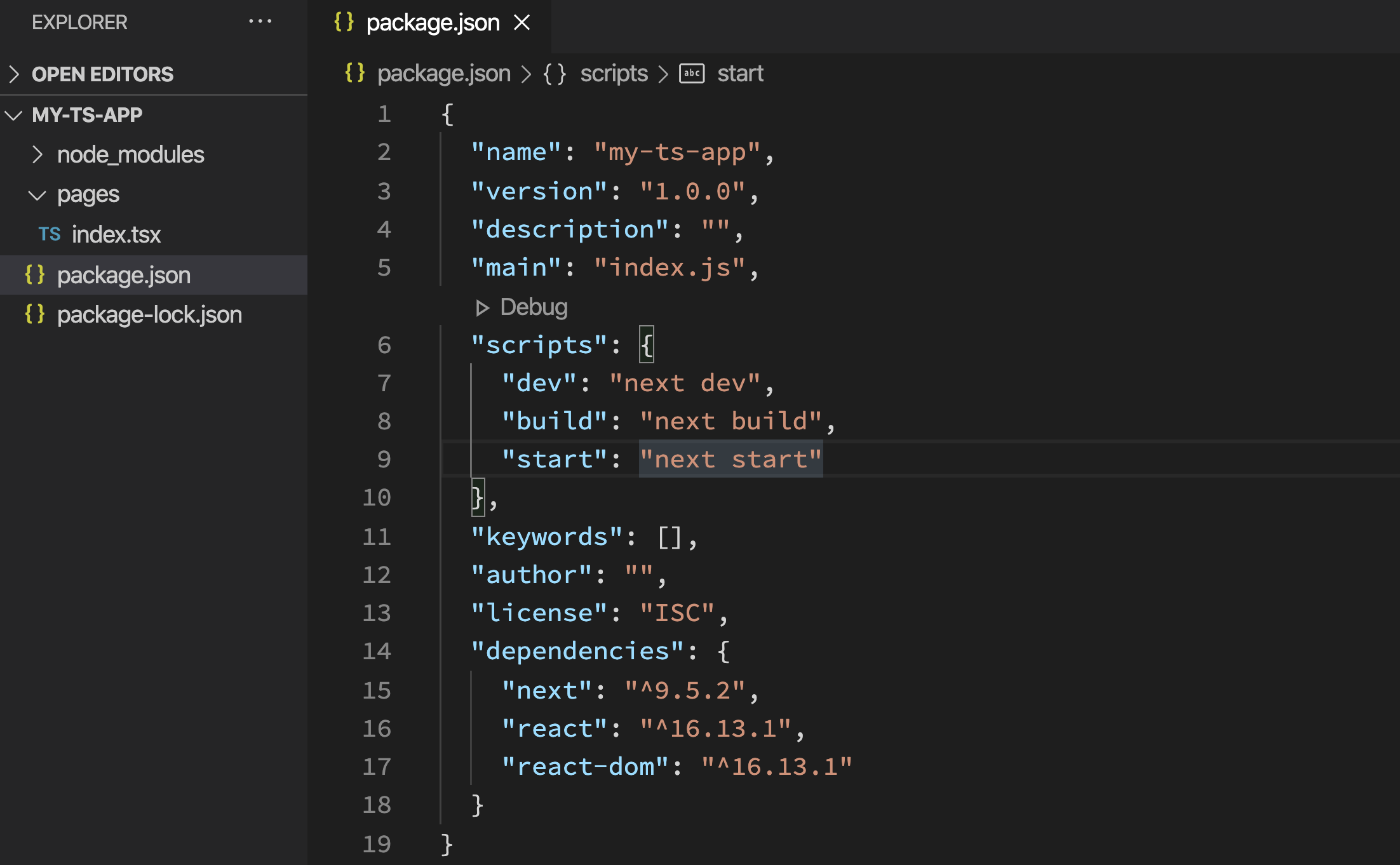
Your package.json file
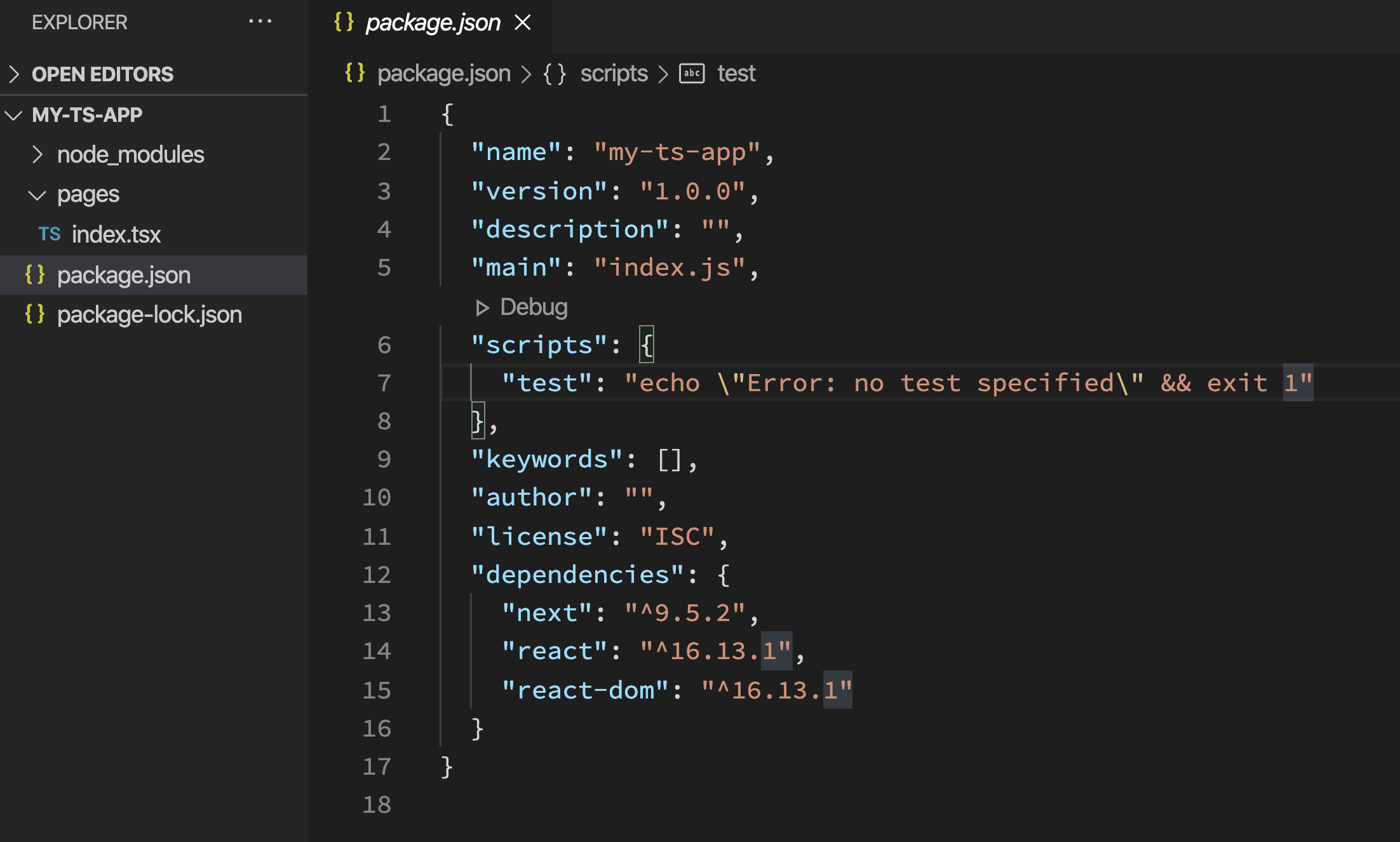
Add the following scripts to your package.json
"scripts": {
  "dev": "next dev",
  "build": "next build",
  "start": "next start"
}
Add the following to your pages/index.tsx file
// pages/index.tsx

function HomePage() {
  return <div>Welcome to Next.js!</div>
}

export default HomePage
Now, let's add typescript to the project.
# Create an empty `tsconfig.json` file
touch tsconfig.json

# Add `typescript`, `@types/react` and `@types/node` as devDependencies
npm install --save-dev typescript @types/react @types/node
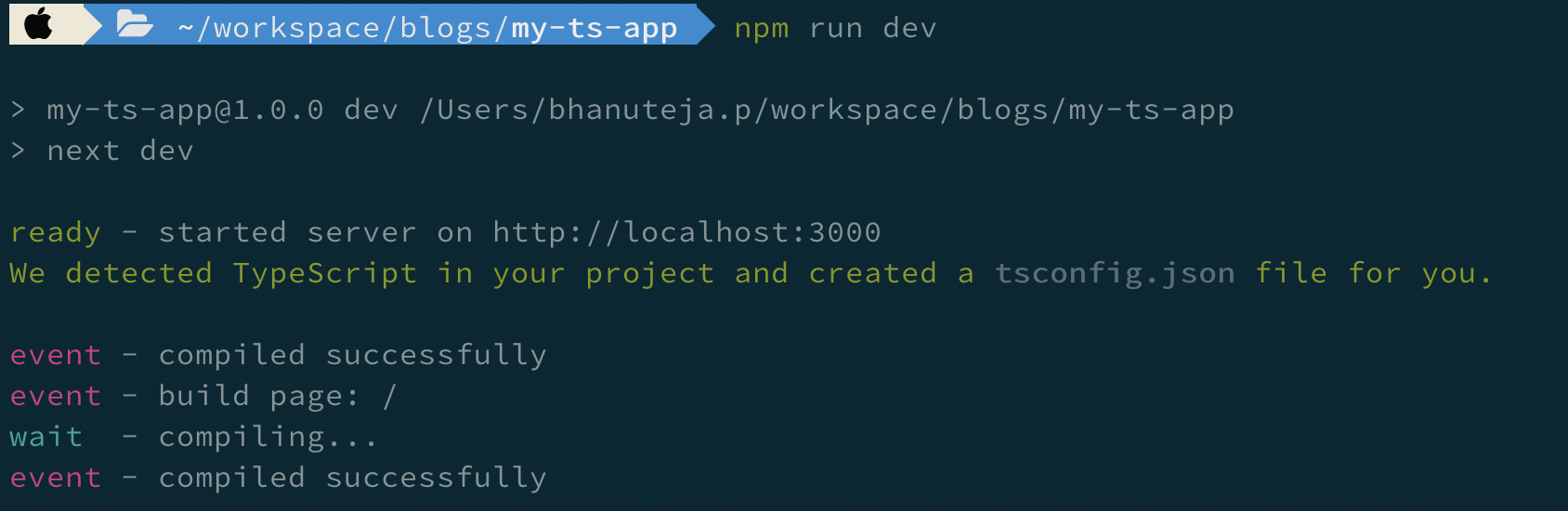
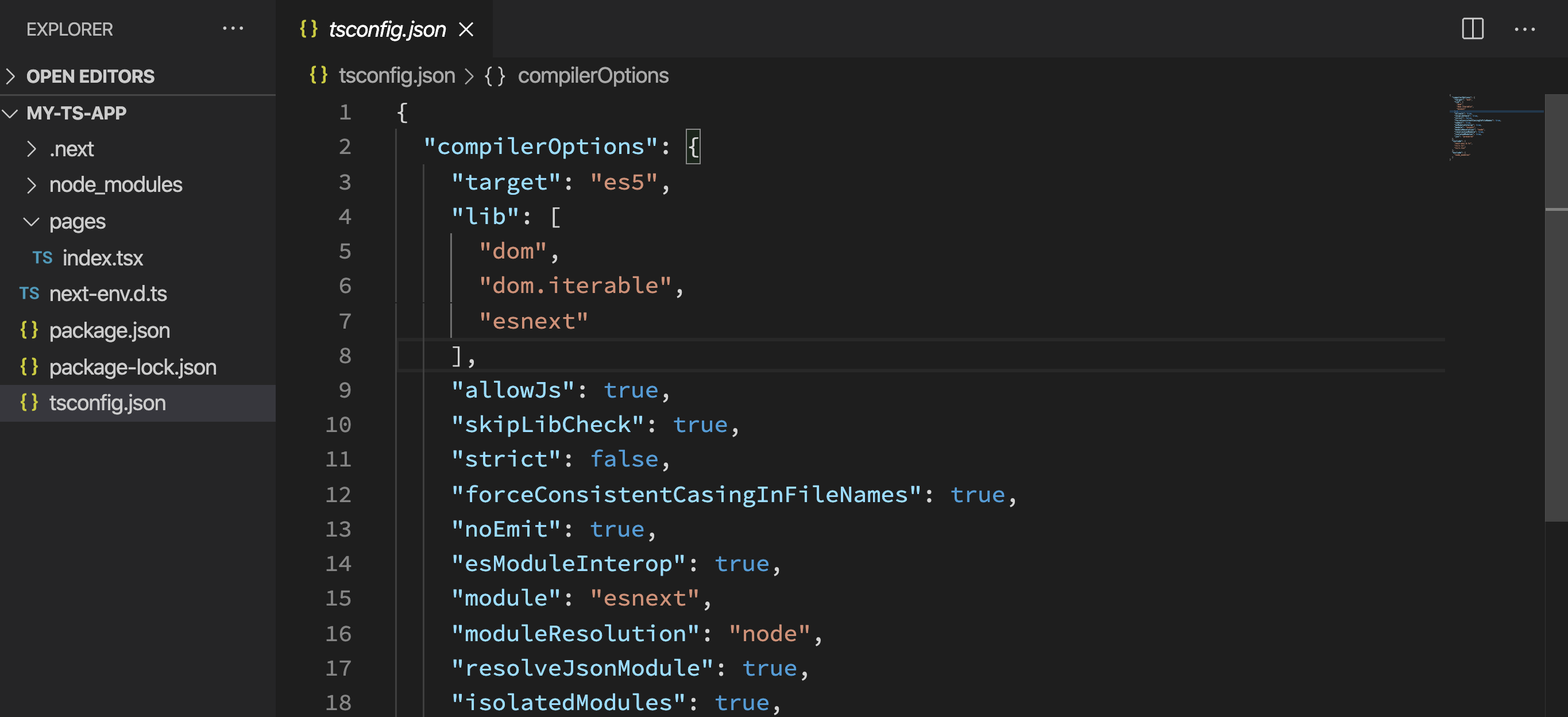
That's it. Next time you run npm run dev, tsconfig.json will be auto-populated with recommended typescript config for Next.js.
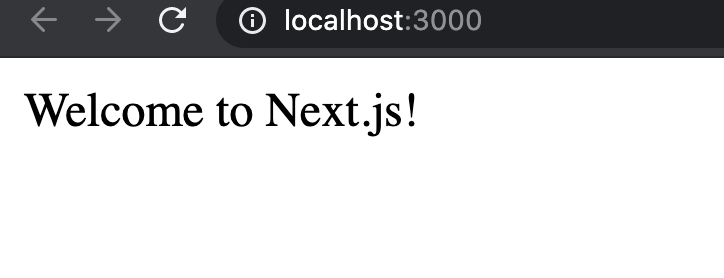
Open localhost:3000 in your browser
Now, you can add types to your project as you normally would to any typescript project.
If you have any feedback or suggestions to improve the blog post, please leave them in the comments. I will try to improve the post accordingly.
If this blog post was helpful to you, please consider liking it and sharing it so that it reaches more people.
If you want to get notified as soon as I write a new blog post, you can click on Subscribe button at the top of this page. You can also follow me here at Bhanu Teja P or on twitter at @pbteja1998 to get updated.